How to Set Up a Snapchat Ads Cloaker with TrafficGuardian, Step by Step
A Snapchat Ads cloaker checks every click before it reaches your landing page and decides who gets through. Advertisers use it to keep bots, scanners, and fake clicks away from their offers. This guide shows how to set it up with TrafficGuardian, from integration to your first live test.
How Snapchat Ads Cloaking Works
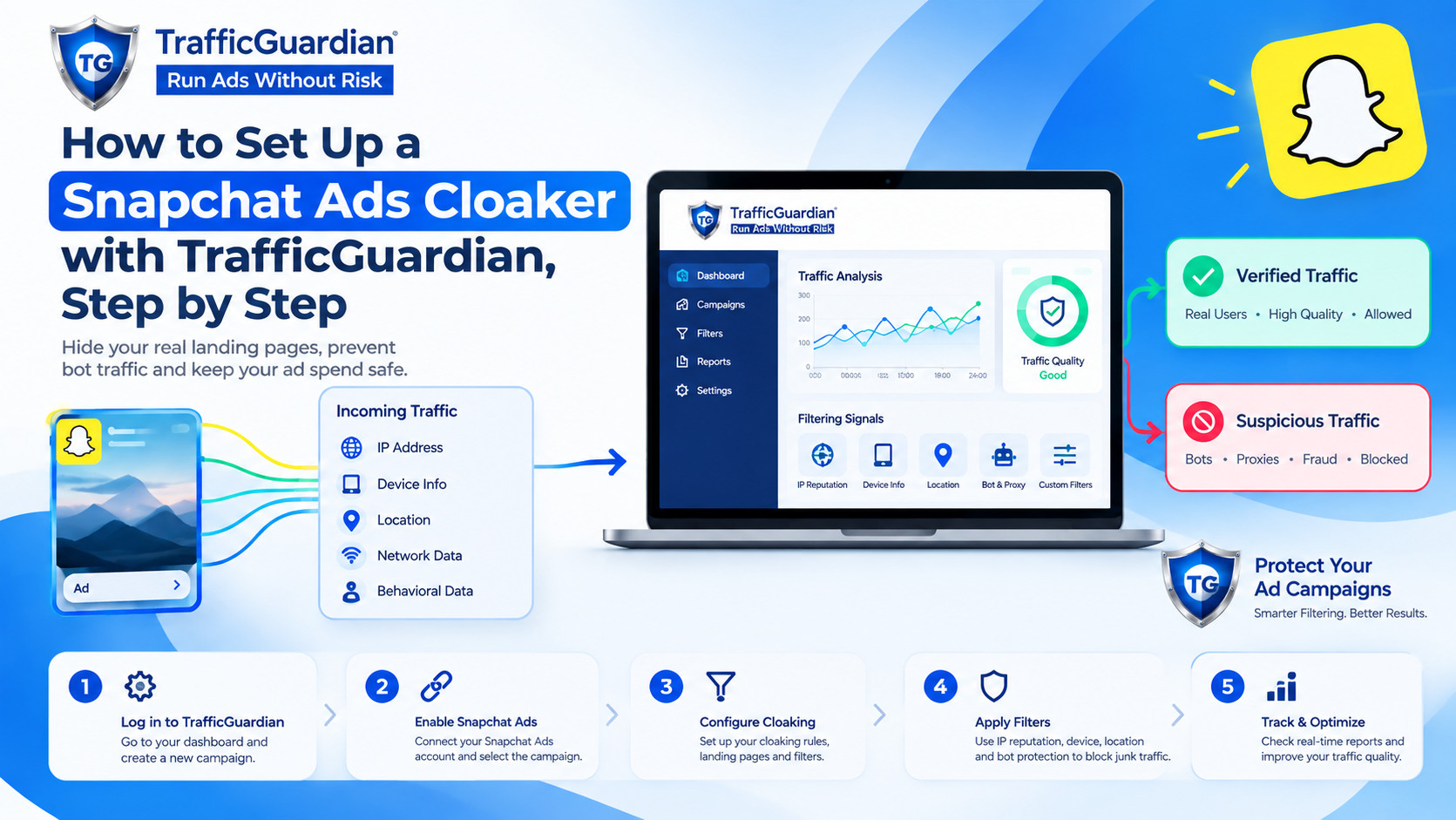
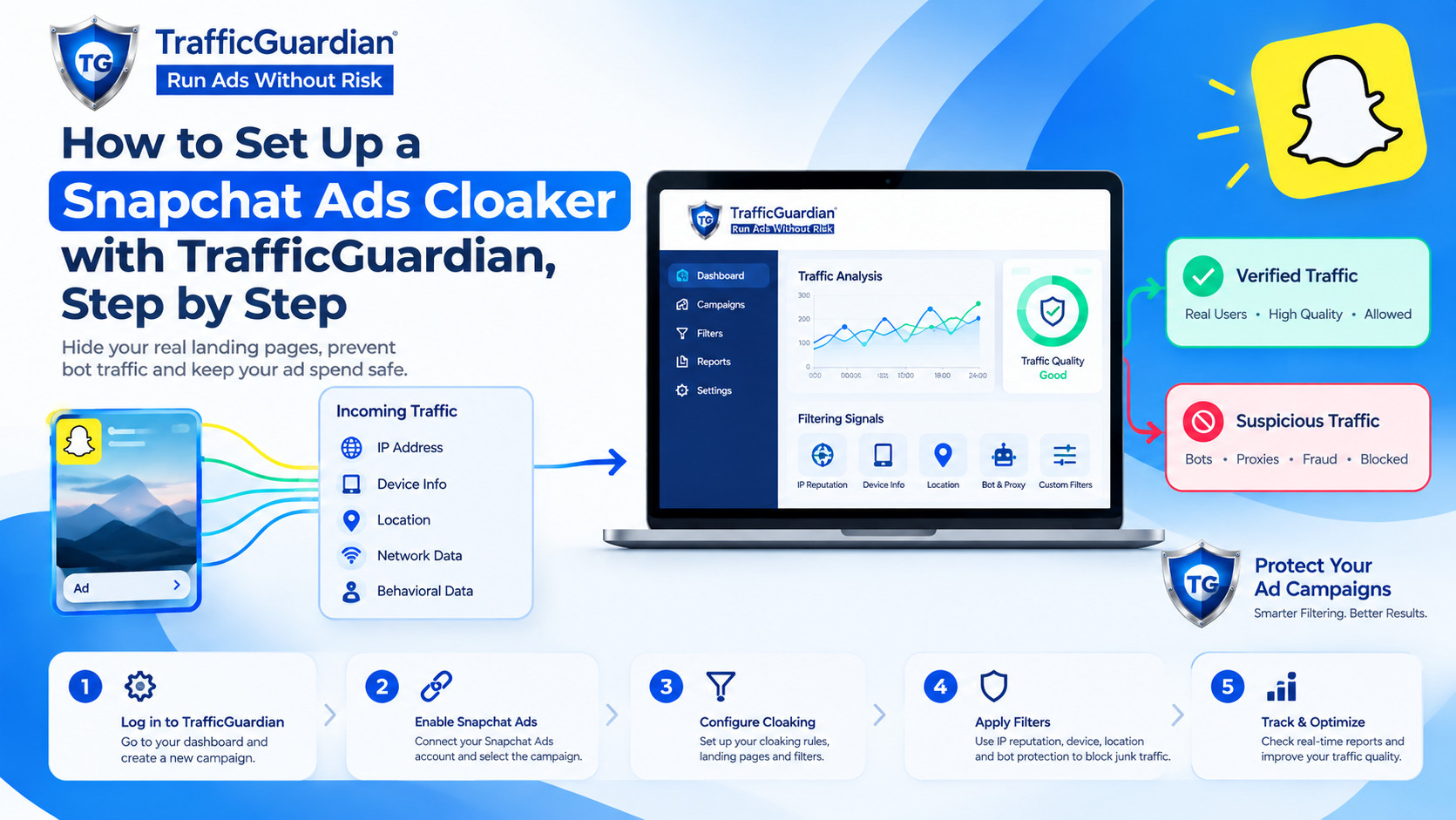
Snapchat ads cloaking works by checking each visitor's IP address, device, location, and referrer in real time. Approved visitors see your main page. Bots, proxies, and other flagged traffic are blocked or sent to a different page.
Snapchat expects your landing page to match your ad, so read its advertising policies first. Use filtering to protect traffic quality, not to mislead real users.
Step-by-Step Setup
Step 1: Connect TrafficGuardian to Your Site
Sign up and choose the integration for the platform your site is built on (WordPress, Shopify, JavaScript, or PHP).
Step 2: Define Your Rules
You can create rules based on location, device and referrer. You can geo-target at the country, region, and city level.
Step 3: Block Unwanted Visitors
Turn on rules for proxies and high-risk IPs. Use browser fingerprinting to identify visitors without using cookies.
Step 4: Protect Your Main Page
Page Guard limits access to your money page, so only approved visitors get in. Genuine users see no redirects or delays.
Step 5: Test with BotCheck
BotCheck lets you see how openly bots, crawlers, and spy tools can interact with your website. Close any areas that seem too open. Finally, make sure that when you open your website from your other devices, you are also showing normal visitors the correct page.
Step 6: Launch and Monitor
Use your protected link as the destination URL in your Snapchat ad. The live dashboard shows IP reputation, device, and location data for each click, so you can see why traffic was blocked.
Traffic Filtering With TrafficGuardian
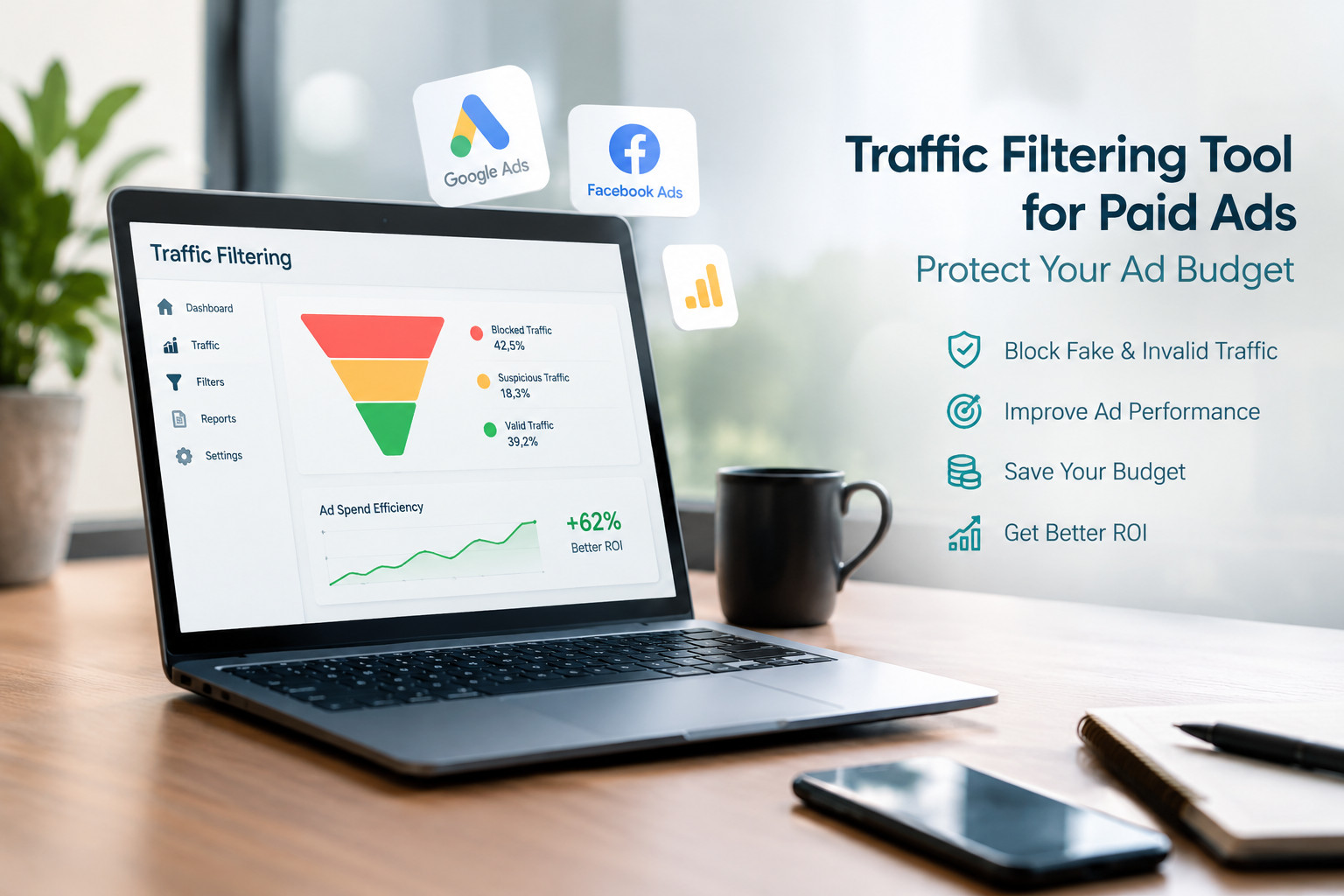
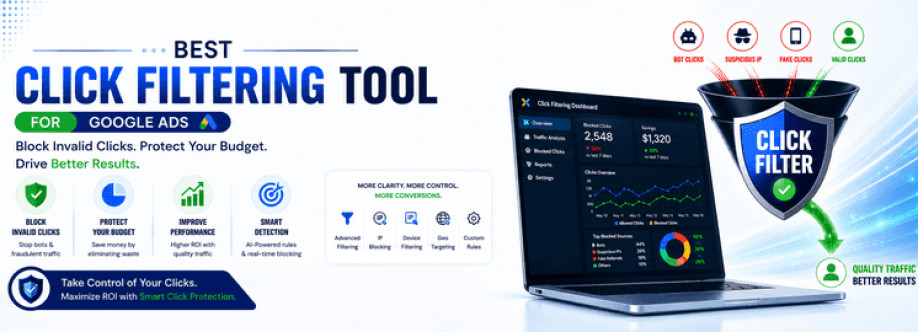
This traffic filtering tool uses AI to make real-time decisions about each request. It uses real-time IP reputation and risk scoring to make access control list (ACL) decisions, and as such, is able to block bots, proxies, and click fraud with extremely low latency to your servers.
What to Look for in the Best Snapchat Ads Cloaker
The best Snapchat Ads cloaker is one you can test and understand. Look for real-time detection, no page slowdown, clear reports, and flexible rules. Pricing matters too. Pay-as-you-go plans let you pay only for the traffic you protect.
Best Snapchat Ads Cloaking Practices
Start with broad rules, then tighten them using report data. Overly strict filters can block real customers.
Retest with BotCheck after any change to your page or settings.
Review blocked visits weekly to catch false positives.
Use campaign scheduling to avoid running ads during risky hours.
Conclusion
Setting up a Snapchat Ads cloaker comes down to six steps: connect your site, set rules, block risky traffic, protect your page, test, and monitor. TrafficGuardian handles all of it from one dashboard, and its knowledge base has more detail if you get stuck.
FAQs
1. What is a Snapchat Ads cloaker?
It is a tool that checks each click before your landing page loads. Real visitors reach your main page, while bots, proxies, and scanners are blocked or redirected.
2. Are Snapchat ads cloaking allowed by Snapchat?
Snapchat expects your landing page to match your ad. Read its advertising policies first, and use filtering to protect traffic quality, not to mislead users.
3. Do I need coding skills to set up TrafficGuardian?
Not much. You can add a short integration using JavaScript or PHP, or use the WordPress and Shopify options. The knowledge base covers each step.
4. How can I test my setup before spending on ads?
Run your page through BotCheck to see how bots and crawlers view it. Then open your link on your own devices to confirm real visitors land correctly.
5. What should I look for in the best Snapchat Ads cloaker?
Look for a cloaker that includes real-time detection, high page load speed, detailed reports and gives users control to set filtering conditions based on location, device and/or referrer.
6. How does TrafficGuardian pricing work?
They use a pay-as-you-go model, meaning you only pay for the protection of the traffic you want. For a list of available plans, check our pricing page.