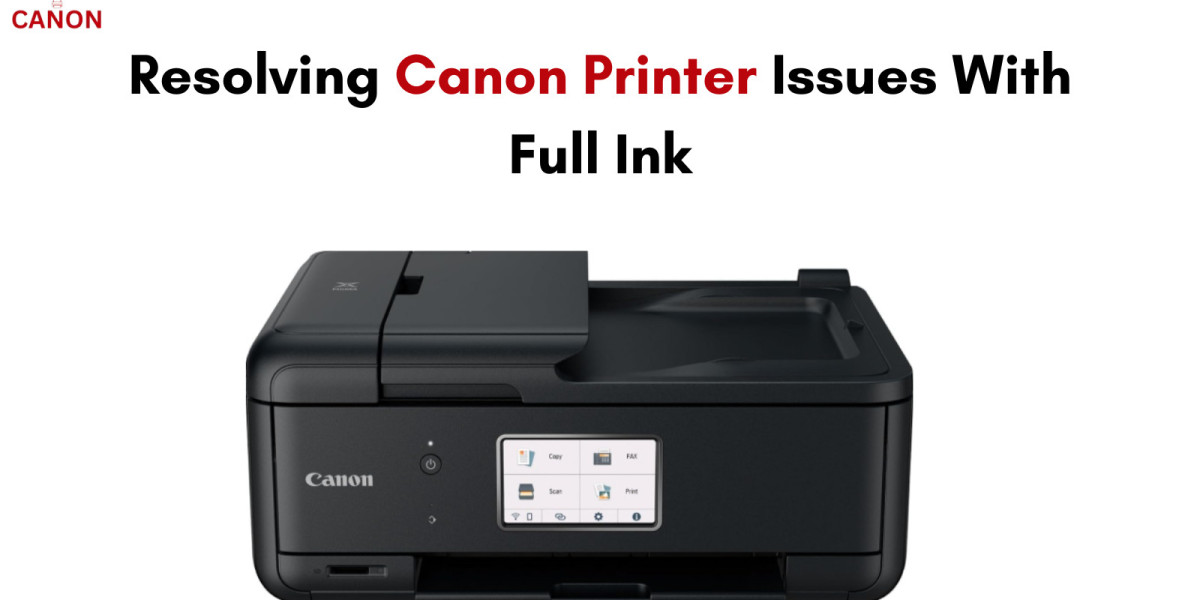

Canon printers not printing even though ink cartridges are full is a problem people are not strangers to. The reason for this issue can be the fact that, at least intuitively, full ink would guarantee printing. So, if the ink is full, then the Canon printer not printing problem is still there? Here's a comprehensive step-by-step guide for troubleshooting this issue.
The identification of the ink cartridge may be the leading reason. The chip in some Canon printers keeps track of the ink levels. Incompatibility of the cartridge or malfunctions of the chip can cause the printer to cease printing. To check if your printer is going to print again, remove and reinsert the cartridges or replace them with genuine Canon cartridges.
Blocked nozzles or air bubbles are other problems that are quite frequent. Even the best ink cartridges cannot push ink through blocked nozzles. The only solution that often exists is running a number of cleaning cycles or doing printhead manual cleaning, which hopefully restores the return of printing function.
Drivers and software conflicts, too, are involved. When the connected device has outdated software or an incompatible driver, your printer may not print. Check Canon’s support site to see if you get the latest drivers and firmware. It is often the simplest way out of a long-lasting printing problem.
Network and connection issues should be checked, too. Wireless printers can suffer from network instability, IP conflicts, or router issues, which could cause interruptions. Loose USB cables may be the cause of the wired connections being affected. Proper connectivity can resolve many “printer not printing” problems.
Finally, there can be the prevention of printing even with full ink due to paper jams or wrongly positioned paper trays. Confirm that the paper type being used is set for the printer and that there is no obstruction in the printer.
You may frequently resolve the issue of your Canon printer not printing when the ink is full by methodically addressing these areas, which will restore effective printing operations without needless stress.