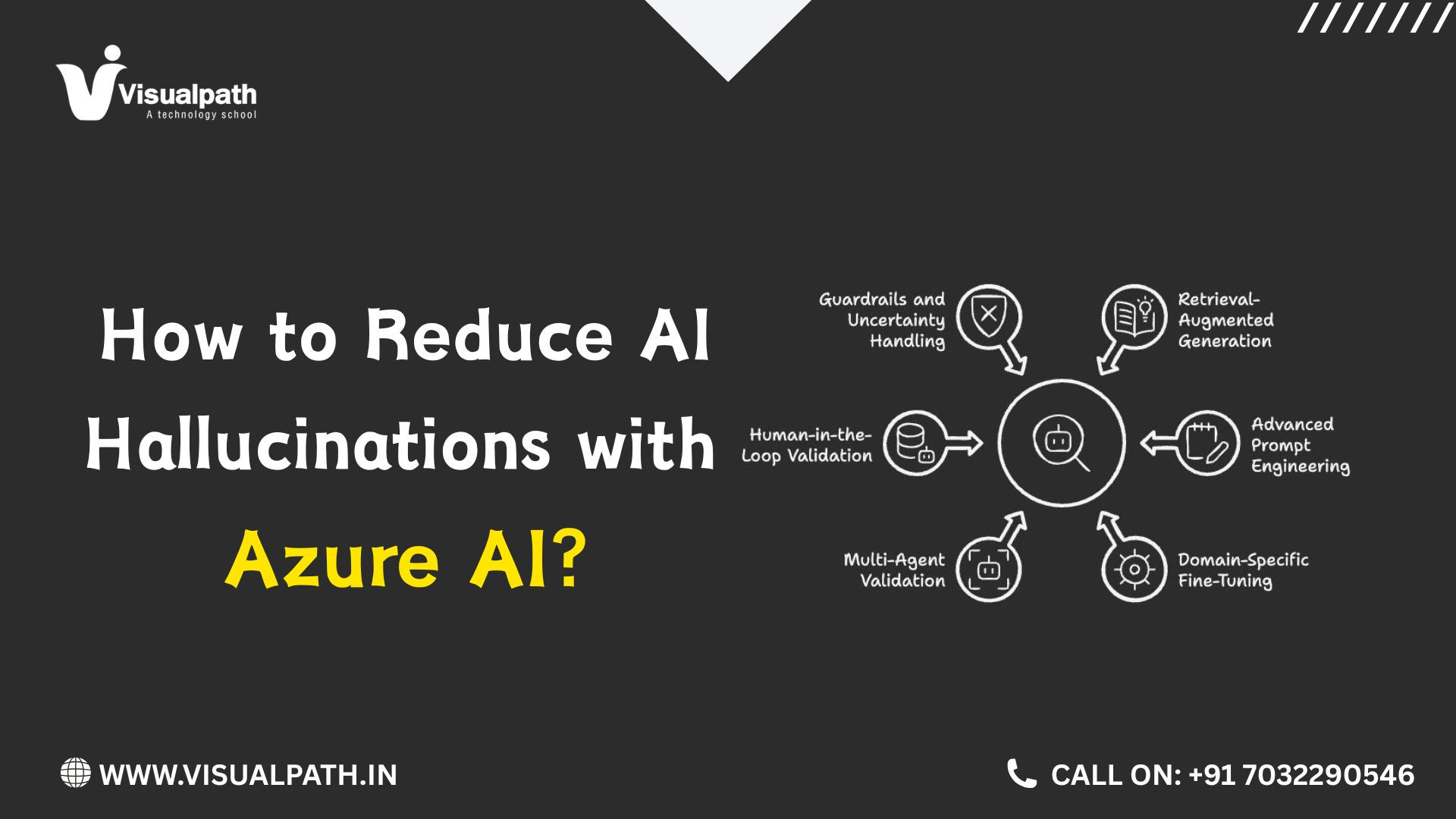
How to Reduce AI Hallucinations with Azure AI?
Introduction
Azure AI is helping businesses build chatbots, search tools, document systems, and intelligent applications. But one common problem is that AI can sometimes give an answer that sounds correct but is not supported by real information. These wrong or made-up answers are called hallucinations. For teams learning how to build reliable AI applications, an Azure AI Course can provide practical knowledge of grounding, retrieval, evaluation, and responsible AI development. The good news is that developers can use several practical methods to reduce this problem. The goal is not to make an AI system perfect. The goal is to make its answers more accurate, traceable, and closely connected to trusted information.
What Are AI Hallucinations?
An AI hallucination happens when a model produces information that is incorrect, unsupported, or not found in the information provided to it.
For example, imagine that a company has an internal employee policy document. An employee asks a chatbot, “How many days of leave can I take?”
If the chatbot has no access to the actual company policy, it may produce an answer based on general information from its training. The answer may sound natural, but it may not match the company's real policy.
This is why a reliable AI application should not depend only on the language model. It should also have access to the right information.
Microsoft describes groundedness as the degree to which a generated response is supported by the provided source material.
Give the AI Reliable Source Information
One of the simplest ways to reduce incorrect answers is to give the application access to reliable source material.
This could include:
• Company documents
• Product manuals
• Knowledge bases
• Internal policies
• Customer information
• Approved websites
• Business databases
• Technical documentation
The quality of the source data matters. If the documents are outdated, incomplete, or incorrect, the AI can still provide a poor answer.
For example, a customer-support chatbot should use the latest product manuals and support documents instead of relying only on general model knowledge.
Good AI applications therefore start with good information. Before changing prompts or models, teams should check whether the data being supplied to the application is accurate and useful.
Use RAG to Connect AI With Trusted Data
Retrieval-Augmented Generation, commonly called RAG, is a practical approach for connecting an AI model with external information.
Instead of asking the model to answer a question only from its learned knowledge, a RAG application first searches a collection of relevant documents. The useful information is then provided to the model as context for generating the answer.
Azure AI Search can be used as part of RAG solutions to retrieve information from an organization's content. Microsoft notes that RAG quality depends on areas such as content preparation, retrieval configuration, and prompt design.
For example, consider a company chatbot with 5,000 product documents. A customer asks about a specific product feature. Instead of sending all 5,000 documents to the model, the search system finds the most relevant sections and passes those sections to the model.
This gives the model a smaller and more useful information set.
However, RAG is not a magic solution. If the search system retrieves the wrong documents, the model can still produce an incorrect answer. That is why retrieval quality must also be tested.
Improve the Quality of Your Data
Many AI problems actually begin before the model receives a question.
Poorly written or badly organized documents can make retrieval difficult. Duplicate files, old policies, missing information, unclear headings, and unrelated content can all reduce the quality of the final response.
Before adding documents to an AI application, teams should review them carefully.
Useful steps include:
1. Remove outdated documents.
2. Delete unnecessary duplicate content.
3. Separate unrelated information.
4. Add clear document titles and sections.
5. Keep important business information updated.
6. Check that users have permission to access the content.
7. Review the data regularly.
Microsoft's RAG guidance also points out that poor data preparation or indexing can directly affect response quality.
Clean data gives the retrieval system a better foundation.
Write Clear Instructions for the Model
Good instructions can also help control hallucinations.
Instead of simply telling an AI system to “answer the question,” developers can give it clear rules.
For example:
• Answer using only the supplied context.
• Do not invent information.
• If the answer is not available, say that it is not available.
• Keep the answer short when the question is simple.
• Mention the source when appropriate.
• Do not make assumptions about missing information.
These instructions create a clear boundary for the application.
For example, if a company chatbot cannot find information about a product warranty, it is better for the chatbot to say, “I could not find this information in the available documents,” rather than creating a warranty period.
A useful AI application should know when to answer and when to stop.
Add Citations and Source References
Citations can make AI answers easier to check.
When an application retrieves information from documents, it can show users where the answer came from. This allows users to verify important information instead of accepting the response blindly.
Microsoft's Azure AI Search documentation describes grounding data as the information retrieved from sources that provides the factual basis for an AI-generated answer.
For example, instead of showing:
“Your product warranty is two years.”
the application could show:
“Your product warranty is two years.”
followed by the relevant document or source reference.
This approach is especially useful for business applications where users need to verify information.
Citations do not automatically make an answer correct, but they improve traceability and make it easier to identify problems.
Use Azure AI Evaluation to Test Responses
AI applications should be tested before they are released to users.
Testing should include real questions, difficult questions, incomplete questions, and questions that the system should refuse to answer.
Azure AI Fundamentals can help learners understand important concepts around AI systems, evaluation, responsible AI, and model behavior before moving into more advanced development work.
Microsoft Foundry provides evaluation capabilities that can measure areas such as groundedness, relevance, completeness, coherence, and other quality factors.
A simple evaluation process could look like this:
1. Create a set of real user questions.
2. Prepare the correct answers or trusted source documents.
3. Run the AI application against those questions.
4. Check whether the answers are supported by the sources.
5. Identify incorrect or unsupported responses.
6. Improve the data, retrieval, prompts, or application logic.
7. Test again.
This repeated process is important because changing one part of an AI application can affect other responses.
Monitor the Application After Launch
Testing before launch is important, but monitoring after launch is equally important.
Real users may ask questions that developers did not expect. They may use different words, misspell terms, combine several questions, or ask about information that does not exist in the knowledge base.
A monitoring process can help teams identify these problems.
Useful things to monitor include:
• Unsupported answers
• Frequently unanswered questions
• Incorrect document retrieval
• Low-quality search results
• User feedback
• Repeated questions
• Changes in source data
• Response quality over time
Groundedness evaluation can help teams check whether generated responses are supported by the available context. Microsoft also provides groundedness detection specifically for identifying responses that are not adequately supported by source material.
Conclusion
Reducing hallucinations requires more than choosing a powerful model. Reliable results come from using trustworthy data, clear instructions, good retrieval, useful source references, and continuous testing.
Teams should also remember that AI systems need regular monitoring. As business information changes, documents and knowledge bases must be updated as well. A careful approach helps create applications that users can understand, verify, and trust in everyday work.
Trending Courses: Azure Data Engineering, Microsoft Power Apps, SAP UI5 Fiori, SAP BTP CAP with Fiori.
Visualpath is the Leading and Best Software Online Training Institute in Hyderabad.
For More Information about Best Azure AI
Contact Call/WhatsApp: +91-7032290546
Visit: https://www.visualpath.in/azur....e-ai-online-training












Johnn123440
Ellimina il commento
Sei sicuro di voler eliminare questo commento ?