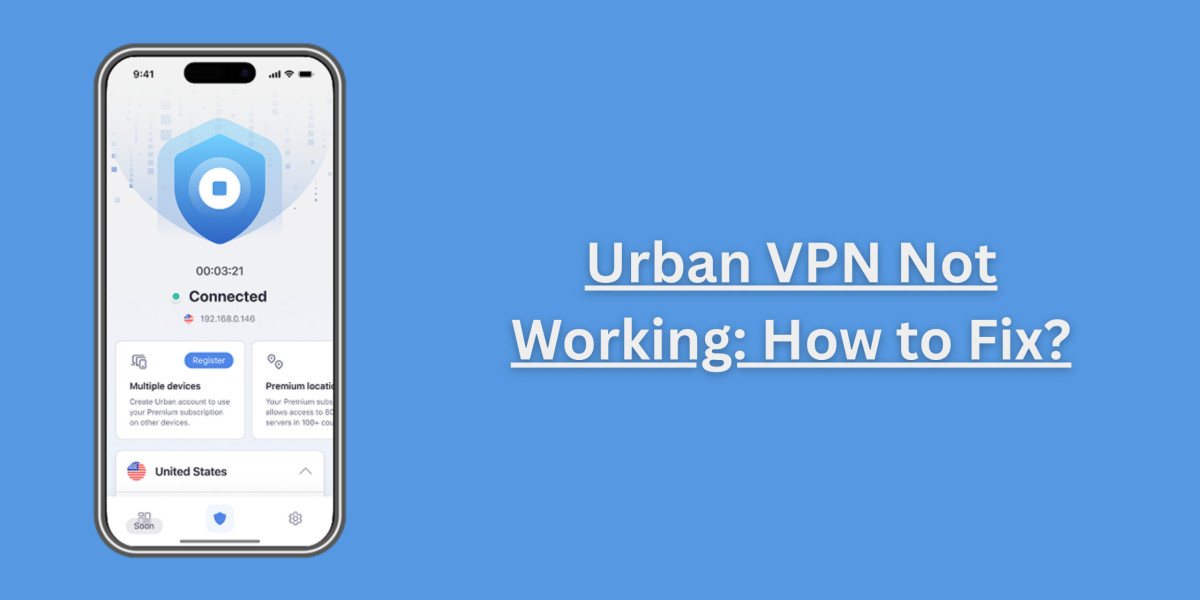

One of the most popular free VPNs worldwide, Urban VPN, sometimes experiences issues, leading users to complain that it is not working. If you are facing Urban VPN not working issues, then this is a quick solution guide that will allow you to resolve the basic issues.
Solution 1: Check Your Internet Connection
Before you blame the VPN, you need to make sure the internet is working fine. Try loading up a website sans VPN to see whether the issue is happening because of the internet or the VPN.
Solution 2: Update or Reinstall Urban VPN
If you are an older version, then it is prone to error. Uninstall the app or browser extension and reinstall it from the latest version. This usually fixes the connection issues or any other technical glitches that you might be facing.
Solution 3: Switch Servers
Sometimes, the issue lies in a server that you are using, which is why we recommend changing the server. To do this, open the Urban VPN's interface and choose another location for perhaps better performance.
Solution 4: Disable Conflicting Apps
Many Urban VPN reviews have stated that the presence of another VPN, firewall, or antivirus software might be blocking Urban VPN. Temporarily disable such programs and see if the VPN begins working again.
The majority of users attest to Urban VPN working fine for basic browsing with occasional glitches. If Urban VPN is not working and is taking up your time and energy, the best choice would be to contact support or simply consider alternatives.